On this page
article
3.1 Apply for an API token on production
If you are a registered landlord on http://Student.com , log in to the dashboard and apply for an API token.
Step1 - Navigate to your account settings, then click on “Login & Security” and select “Integrations”.
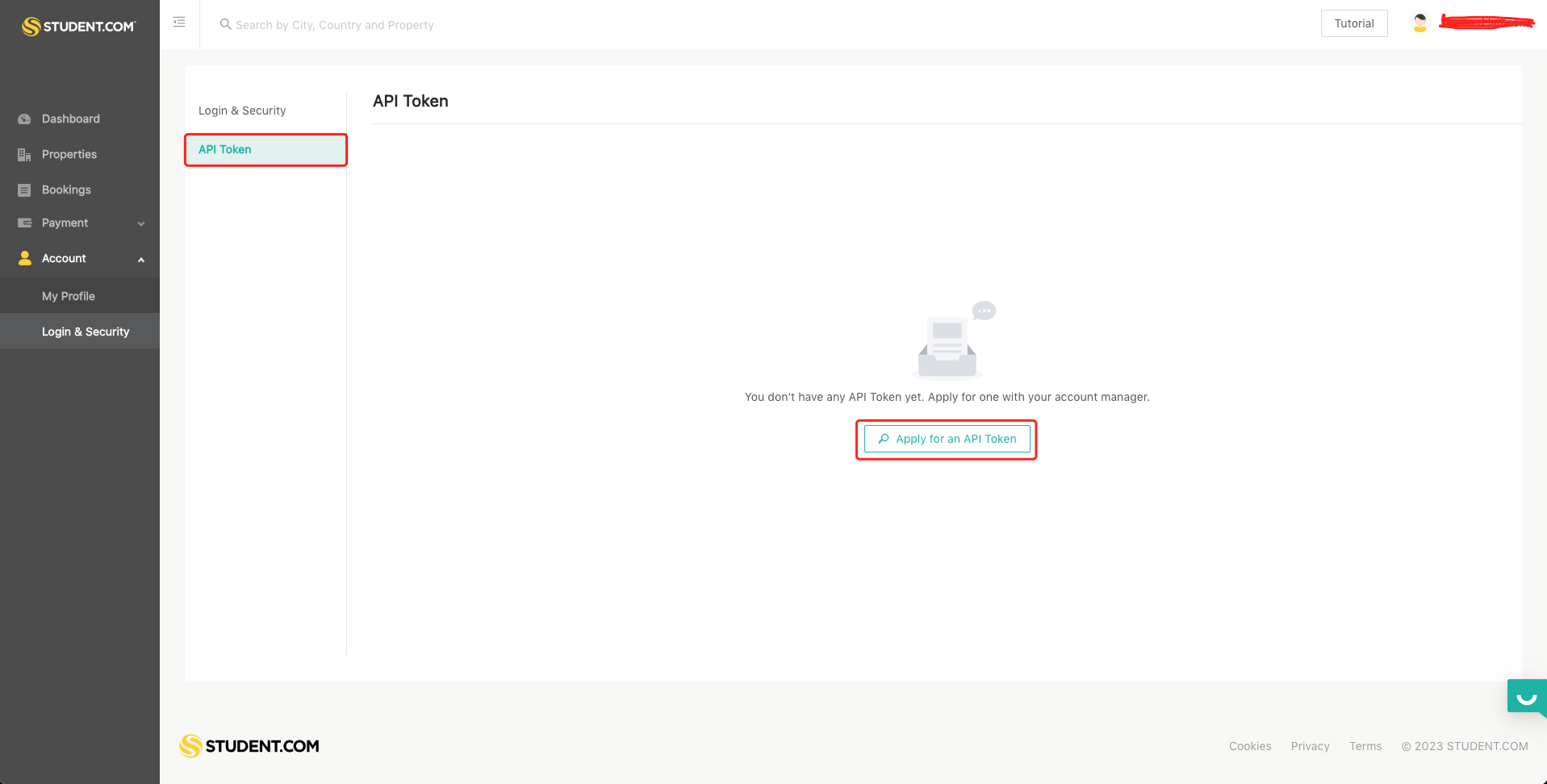
Step2 - Click on “Apply for an API Token”
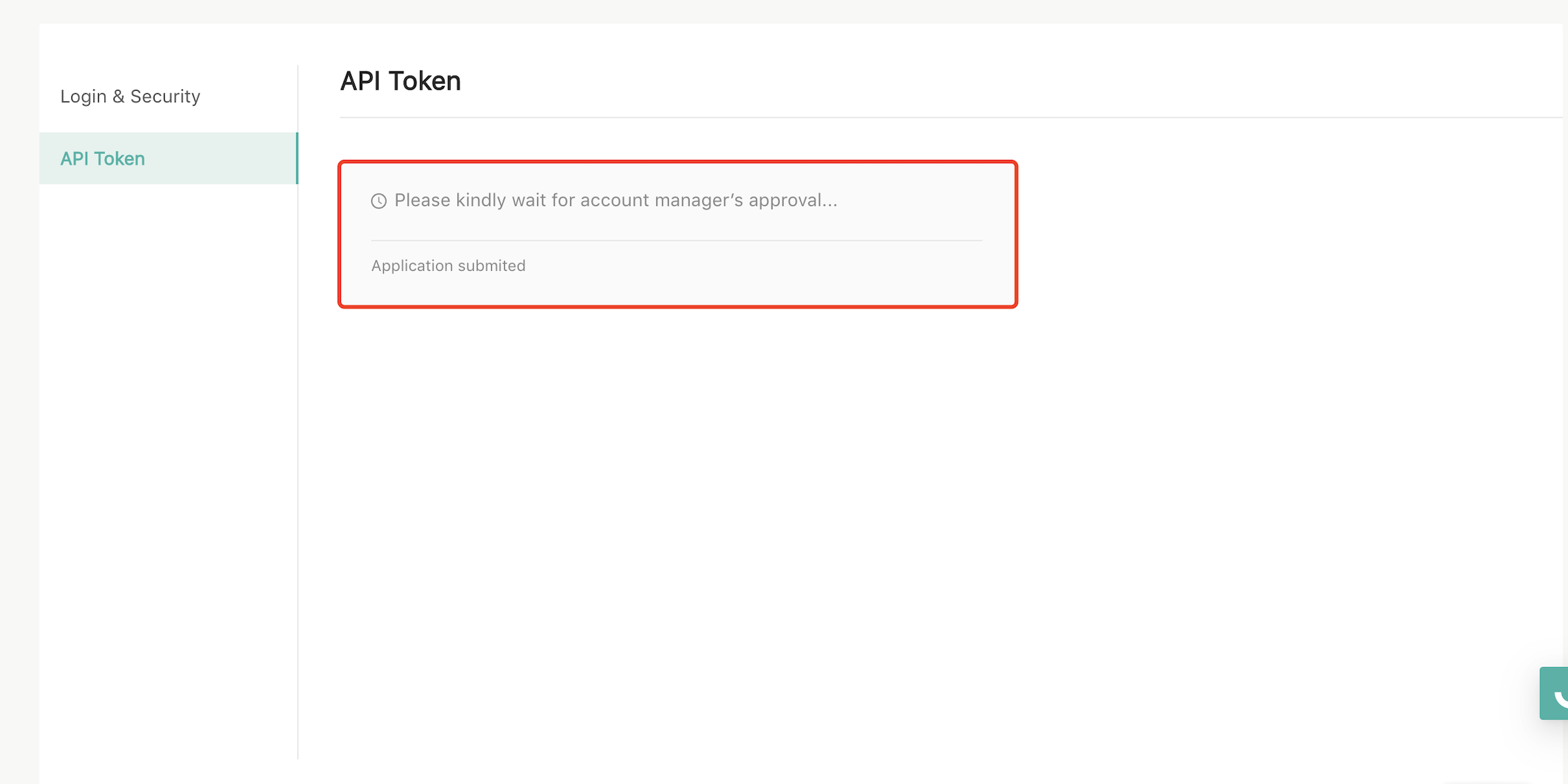
Step3 - Once your application is approved by the account manager, your API token will be displayed in the API Token section of the Dashboard.
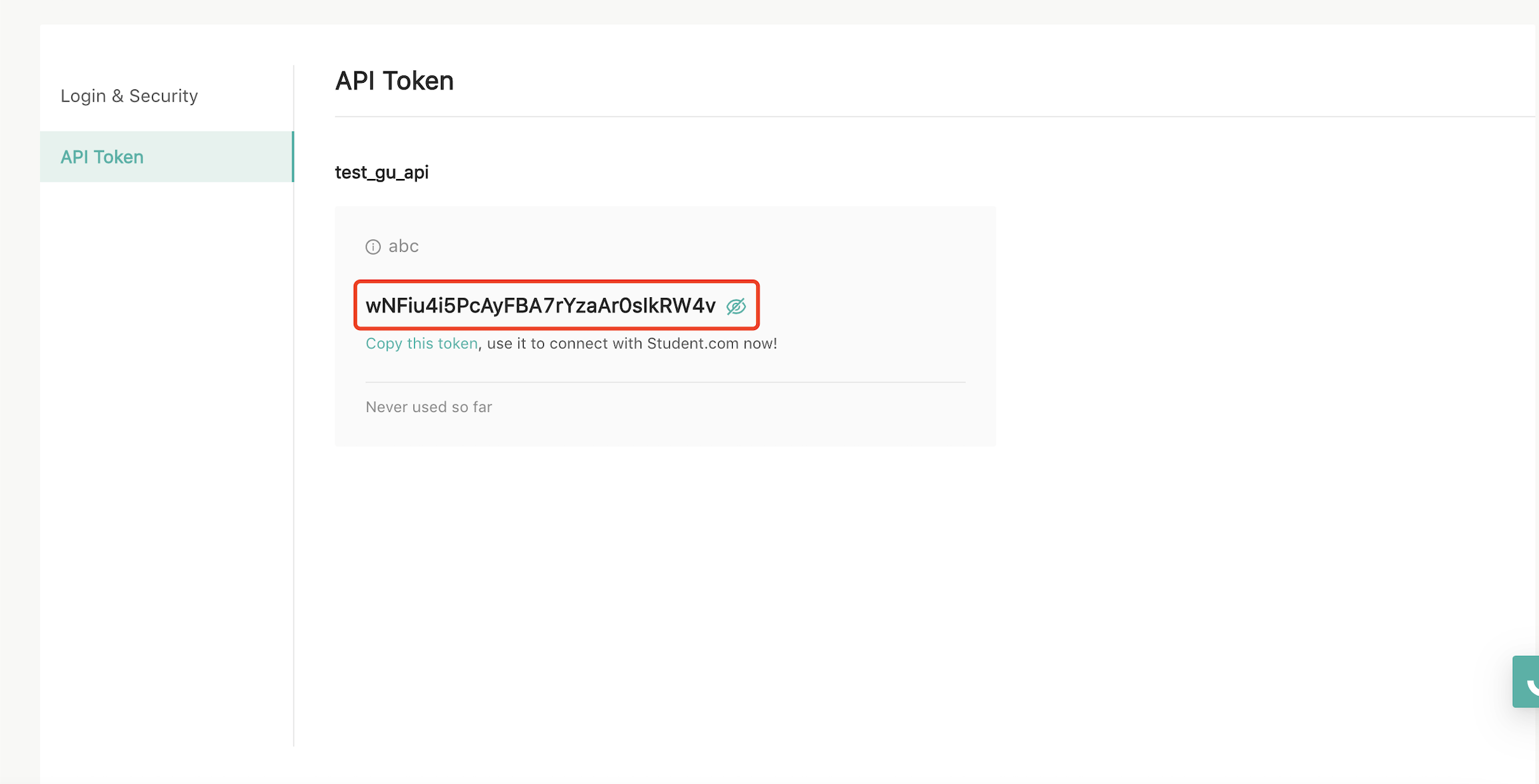
Then you can follow the same integration process as the testing environment.